
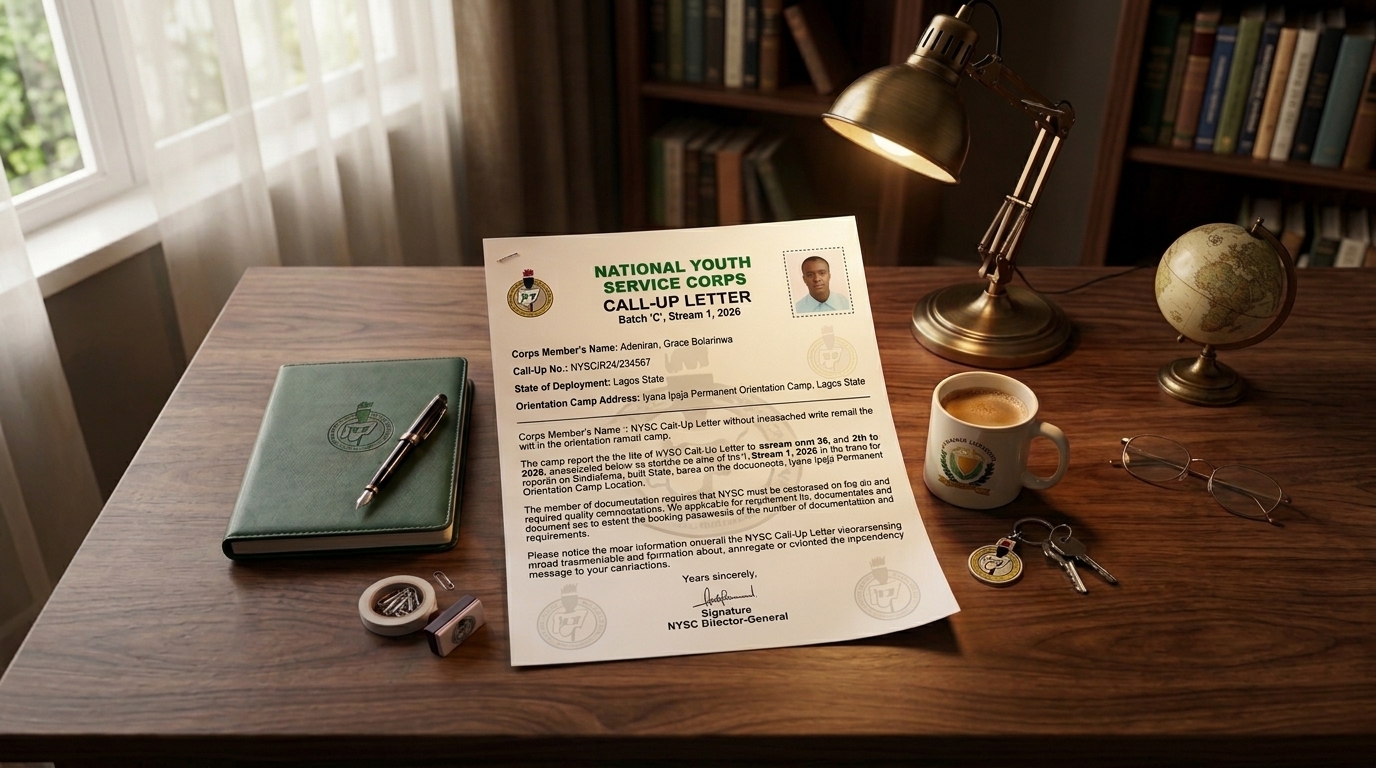
Congratulations to everyone who has successfully registered for the NYSC and has subsequently been called up for service.
It is an exciting experience. I remember the first time I was called up for NYSC. I was happy because I had been anticipating where I would be posted. There is a unique feeling that comes when you realise you are going to leave home, travel somewhere new, and begin your service year.
There is also a special atmosphere around NYSC posting when the Call-Up Letter is about to be released.
If your NYSC Call-Up Letter has been released, congratulations.
But beyond the excitement, there is an important question: How do you check and print your NYSC Call-Up Letter?
This article explains how to access your NYSC Call-Up Letter, what you need before printing it, and the important information you should check on the letter.
What Is the NYSC Call-Up Letter?
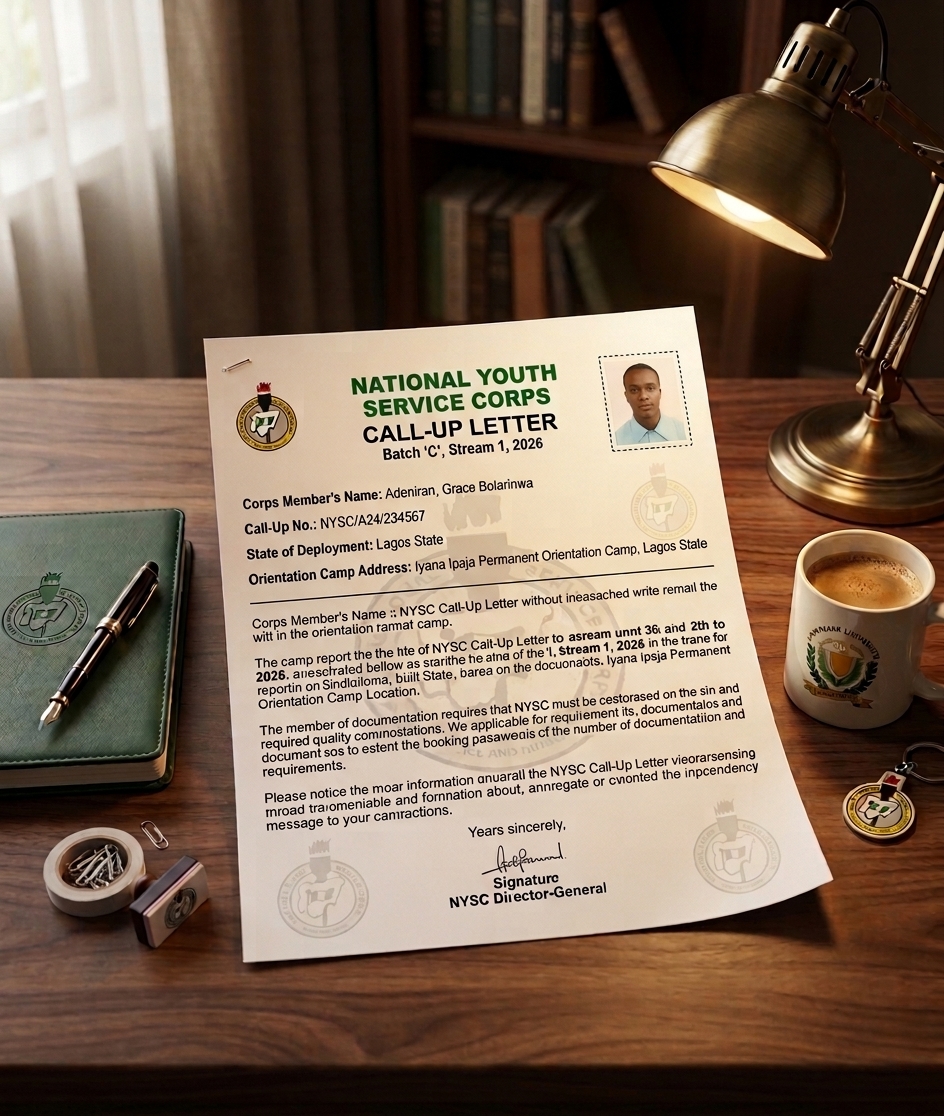
The NYSC Call-Up Letter is the document you receive after NYSC mobilization and posting. It contains important information about your deployment and orientation camp.
You can access and print your Call-Up Letter through the official NYSC portal.
Be careful when looking for your Call-Up Letter online. The source material for this article identifies the official NYSC website as https://www.nysc.gov.ng and the registration/dashboard portal as https://portal.nysc.org.ng.
What Do You Need to Print Your NYSC Call-Up Letter?
Before you start, you need the following:
1. Your Registered Email and Password
You need the same email address and password you used when registering for NYSC.
You do not need to create a new account just to print your Call-Up Letter.
2. Internet Connection
You need a stable internet connection to access the NYSC portal.
If your current location has an unstable connection, you may need to move to an area with better network coverage.
3. A Phone, Tablet or Computer
You can use a phone, tablet, laptop, or desktop computer.
Browsers such as Chrome, Firefox, and Edge can be used to access the portal.
4. Access to a Printer
If you do not have a personal printer, you can save the Call-Up Letter as a PDF and take it to a cyber café for printing.
How to Check and Print Your NYSC Call-Up Letter
Follow these steps to access your Call-Up Letter.
Step 1: Open Your Browser
Open a browser such as Chrome, Firefox, or Edge.
According to the source material, the NYSC portal used for accessing the dashboard is:
You can access it using your phone or a computer.
If you are using a phone and the page does not display properly, you can enable Desktop Site/Desktop View in your browser. This may make the page appear more like the desktop version.
Important: The supplied draft also mentions
portal.nysc.ngin this step, while elsewhere it givesportal.nysc.org.ng. Verify the correct URL on the official NYSC channels before publication.
Step 2: Log In to Your Account
Once you have accessed the portal, select Login.
Do not select sign-up because you already have an account from your NYSC registration.
Enter the email address and password you used during registration.
If you have forgotten your password, use the password recovery option provided on the portal.
Step 3: Go to Your Dashboard
After a successful login, you should be taken to your dashboard.
You should see your personal information, including your name and photograph.
Once you are on your dashboard, scroll down to locate the section for your Call-Up Letter.
On a computer, you can scroll down the page. On a phone, simply swipe down.
Step 4: Click “Print Call-Up Letter”
Look for the option labelled Print Call-Up Letter.
Depending on the status of the letter, it may sometimes be displayed as Check Call-Up Letter.
The reason for this difference is that the Call-Up Letter may not have been released yet.
If it is not available, you may see a message indicating that it is not yet available.
If it has been released, the option to print the Call-Up Letter should become available.
Click the relevant option.
If your Call-Up Letter is available, it should open as a PDF.
Check the Information on Your NYSC Call-Up Letter
When the Call-Up Letter opens, do not immediately download it and close the page.
Take a moment to carefully check the information on the document.
1. Your Full Name and Call-Up Number
The first information you should check includes your full name and Call-Up Number.
Make sure:
- Your full name is complete.
- Your name is correctly spelled.
- Your Call-Up Number is correct.
Your Call-Up Number is important, so make sure you keep it safe.
2. Your State of Deployment
The next important information is your state of deployment.
This is usually one of the most anticipated parts of the Call-Up Letter because this is where you finally discover where NYSC has posted you.
You may have hoped for Lagos, Abuja, Port Harcourt, or another particular location, but your actual deployment is determined by NYSC.
Once you see your state of deployment, that is the state you should prepare to travel to for orientation camp.
3. Orientation Camp Name and Address
Check the name and address of your assigned orientation camp.
You are not simply travelling to the state without knowing where to report. Your Call-Up Letter provides information about the orientation camp where you are expected to report.
For example, the source material notes the NYSC camp in the FCT Abuja area as being in Kubwa.
4. Reporting Date
Another very important detail is your reporting date.
This tells you when you are expected to report to the orientation camp.
Check the date carefully so that you can make the necessary travel arrangements and avoid reporting late.
5. Other Instructions
Finally, read the other instructions contained in your Call-Up Letter.
There may be instructions concerning your journey and reporting to camp.
Do not ignore these instructions. They are provided to guide you through the process and help you prepare for your journey and orientation camp experience.
Download and Save Your NYSC Call-Up Letter
After checking all the information, download the Call-Up Letter PDF and save it somewhere safe on your phone, laptop, or another secure device.
It is also a good idea to keep a backup copy. You can send a copy to someone you trust for safekeeping.
Do not rely entirely on having the document available on your NYSC dashboard. Save your own copy because you may need the Call-Up Letter later.
The Call-Up Letter is an important document, including for processes you may need to complete after your service year.